
Booking Page vs DM Inquiry
Most artists have a booking page. Most booking pages aren't working. Here's why — and what to do about it.

The DM Inquiry Problem
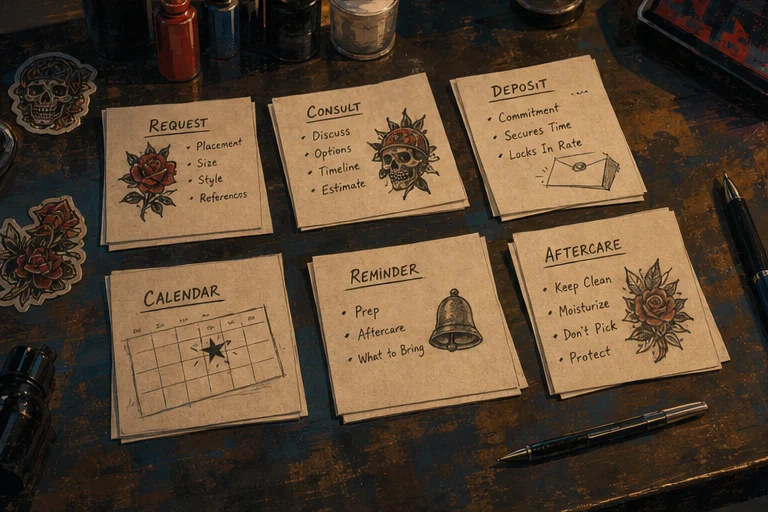
If you take bookings through Instagram DMs, you already know how it goes.
A potential client slides into your messages. "Hey, I love your work. How much for a sleeve?" You reply with your rate. They read it. They do not reply.
Or they do reply: "That's more than I expected." Now you are negotiating in a chat app designed for memes, not business.
Or they ask six questions over three days — placement, size, style, price, availability, aftercare — and then disappear. You spent an hour typing answers and have nothing to show for it.
This is not an occasional annoyance. For artists who book primarily through DMs, it is the majority of their interaction with potential clients. And the majority of those interactions lead nowhere.
Ghosting is common, but there is no reliable tattoo-industry benchmark that applies to every artist. Track your own inquiry count, completed intake forms, paid deposits, and attended appointments for a month. Your numbers are more useful than an unsourced percentage from someone else's shop.
The problem is not that clients are flaky. The problem is that DMs are a terrible place to do business.
Where DMs Break Down
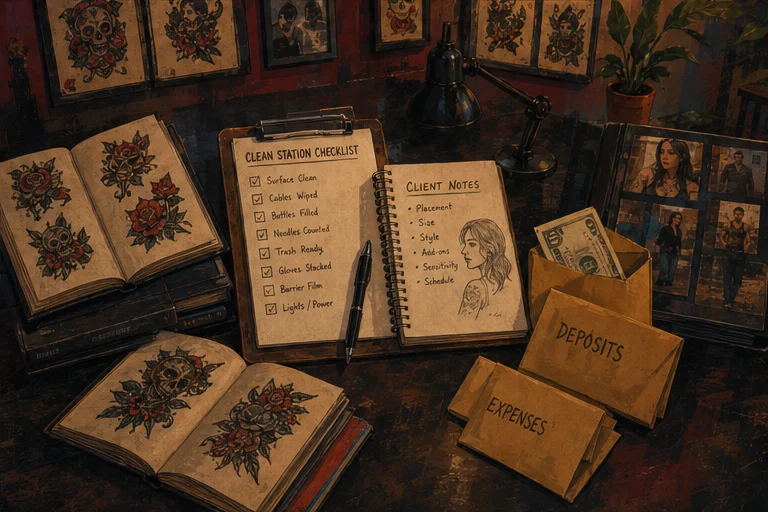
No structure. A DM conversation has no beginning, middle, or end. The client asks whatever they want, whenever they want. You answer the same questions repeatedly because there is no form, no intake, no system.
No commitment signal. Sending a DM costs nothing. Typing "how much?" takes five seconds. The client has invested zero effort and can walk away without consequence. A booking page, by contrast, requires filling out fields, choosing a time, and paying a deposit. That friction filters out people who were never serious.
No payment integration. If you want a deposit, you have to send a Venmo link or a Cash App handle. Then you have to confirm they paid. Then you have to manually update your calendar. Then you have to send a confirmation. Each step is another opportunity for the client to drop out or for you to forget something.
No record keeping. Six months later, a client messages you again. "Hey, did we ever book that thing?" You scroll through three months of messages looking for the thread. You find it. You still do not know if they paid a deposit, what they wanted, or when they wanted it.
Availability confusion. The most common DM exchange in tattooing:
Client: "When are you free?"
Artist: "I have Tuesday at 2."
Client: "That doesn't work. What about Wednesday?"
Artist: "Wednesday I'm booked. How about Thursday?"
Client: "Thursday works."
Artist: "Great, see you then."
Client: [does not show up]
This happens because DMs do not show real-time availability. The client asks, you guess, they negotiate, you agree, and neither of you has a confirmed appointment in a system that will remind anyone.
The Booking Page Alternative
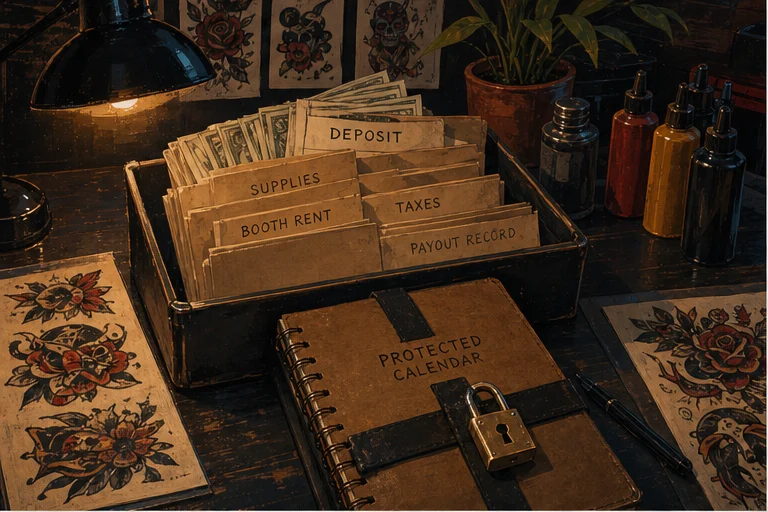
A booking page is not just a prettier version of a DM conversation. It is a different transaction entirely.
Instead of "send a message and hope," the client:
- Sees your available times
- Selects a slot
- Fills out an intake form (placement, size, style, reference images)
- Pays a deposit
- Receives an automatic confirmation with your policy and next steps
The artist's involvement is: reviewing the request and approving it. That is it.
The difference is not speed. The difference is commitment. A client who fills out a form, chooses a time, and pays a deposit has invested effort and money. They are far more likely to show up than someone who sent a DM and forgot about it.
A Sample Time Audit
Here is an illustrative workflow audit. Replace each estimate with the time you actually spend.
DM booking workflow:
- Client messages you: you reply (5 min)
- They ask follow-up questions: you answer (10 min)
- You negotiate timing: back and forth (10 min)
- You send deposit info: they pay (or do not) (5 min)
- You manually add to calendar and send confirmation (5 min)
- Total: 30–45 minutes per booking, if it converts
Booking page workflow:
- Client fills out form and pays deposit (0 min from you)
- You review and approve (2 min)
- System sends confirmation and reminders automatically (0 min)
- Total: ~2 minutes per booking
In this example, the DM workflow takes much longer per completed booking. Your ratio may be smaller or larger; the point is to measure repeated admin steps instead of treating them as free.
Multiply your measured time by the number of inquiries you handle each month. That gives you a defensible estimate of the admin time your current process consumes.
The Conversion Math
This is where the real cost can show up. The numbers below are a scenario, not a conversion benchmark or performance promise.
Assume you get twenty DM inquiries per month. With a 50% ghost rate, ten of those conversations go nowhere. Of the ten who reply, maybe five book. Of the five who book, one or two no-show because there was no deposit or automatic reminder.
DM funnel: 20 inquiries → 5 bookings → 3–4 shows = 15–20% show rate from initial inquiry.
Now assume you get the same twenty inquiries, but they go to a booking page. The booking page filters out the unmotivated — maybe ten fill out the form. Of those ten, eight pay a deposit. Of those eight, seven show up because the system sent reminders and they have skin in the game.
Booking page funnel: 20 inquiries → 8 bookings → 7 shows = 35% show rate from initial inquiry.
The scenario shows why structure, a deposit, and reminders can improve the path from inquiry to attendance. Run the same funnel with your own data before claiming any specific lift.
What Clients Actually Prefer
There is a common belief that clients prefer DMs because they feel personal. This is partially true for the initial contact — a DM feels more direct than a form. But preference changes once the client actually wants to book.
Clients who are ready to commit want:
- To see real availability without waiting for a reply
- To know the price and policy upfront
- To pay a deposit and get a confirmed appointment
- To receive reminders so they do not forget
A booking page gives them all of this. A DM gives them uncertainty, delays, and the awkwardness of negotiating in a chat app.
The artists who switch to booking pages consistently report the same feedback: clients are relieved. They wanted to book. They just did not want to play message tag for two days to do it.
The Hybrid Approach
This does not mean you should never use DMs. DMs are excellent for:
- Initial discovery (someone sees your work and wants to say hello)
- Building rapport with clients before they book
- Handling unusual requests that do not fit a standard form
- Follow-up communication after the booking is made
The hybrid model that works best for most artists:
- DMs for discovery and rapport. Let people message you. Be friendly. Build the relationship.
- Booking page for actual booking. Once the client is ready, send them your link. "Hey, if you want to lock in a spot, here is my booking page. Pick a time, fill out the form, and we are all set."
- DMs for post-booking communication. Reference images, design adjustments, day-of updates — these still happen in messages, but they happen after the appointment is secured.
This approach gives you the personal touch of DMs without the chaos of managing your entire calendar through Instagram.
Making the Switch Without Losing Leads
The fear most artists have: "If I stop answering DMs, I will lose clients."
You will not lose clients if you redirect them properly. Here is how to make the transition:
Update your bio. Replace "DM for bookings" with "Book: [link] | DMs for questions." This sets the expectation without being hostile.
Set an auto-reply. Instagram Business accounts can set automated responses. Something like: "Thanks for reaching out! For bookings, please use the link in my bio — it shows my real-time availability and collects everything I need. For questions, I will reply here as soon as I can."
Reply to DMs with your link. When someone messages you about booking, do not start the negotiation. Send: "Thanks for reaching out! The best way to book is through my page: [link]. It has my availability, pricing, and deposit info. Let me know if you have questions about the process."
Be consistent. The switch only works if you stick to it. If you sometimes book through DMs and sometimes through the page, clients will always choose the path of least resistance — which is the DM. Make the booking page the only way to get an appointment.
Keep DMs open for questions. You are not abandoning your audience. You are just moving the transaction to a system designed for transactions.
What a Good Booking Page Includes
If you are going to send clients to a booking page, it needs to do the job. A bad booking page is almost as frustrating as a DM conversation.
Real-time availability. The client should see open slots and pick one. If they have to message you to ask what is available, you have defeated the purpose.
Deposit collection upfront. The appointment is not confirmed until the deposit is paid. This protects your time and signals commitment.
Custom intake form. Ask about placement, size, style, reference images, budget, and health details. Collect everything you need in one pass so you are not messaging back and forth for three days.
Clear policy language. Deposit rules, cancellation policy, and what happens if they are late. Visible before they book, not hidden in fine print.
Mobile-optimized. Most clients will book from their phone. If your page does not work on mobile, you are losing bookings.
Automatic confirmation and reminders. The client should receive a confirmation immediately and reminders before the appointment. This reduces no-shows without you having to remember to send anything.
The Bottom Line
DMs are not bad. They are just the wrong tool for booking.
Instagram is a portfolio and a communication channel. It is not a calendar, a payment processor, or an intake system. Trying to run your entire booking workflow through messages is like trying to tattoo with a Sharpie — it might work in a pinch, but it is not the right tool for the job.
A booking page does not make you less personal. It makes you more professional. Clients do not want to negotiate with you for two days. They want to book, pay, and show up.
The artists who make the switch consistently report the same thing: fewer messages, more bookings, fewer no-shows, and more time actually tattooing.
Source Notes
- No controlled tattoo-industry study establishes a universal DM ghost rate; the conversion examples in this article are explicitly illustrative.
- Time-per-booking estimates (30–45 min DM vs. <5 min booking page) are based on artist self-reports and workflow analysis. Actual times vary by artist and client.
- Show rate comparisons are illustrative based on the logic of deposit collection and automated reminders. No controlled A/B study of DM vs. booking page show rates has been published.
- Client preference claims are based on consistent anecdotal feedback from artists who have switched to booking pages.
- The LVL2 feature descriptions reference the actual platform's booking flow capabilities as of May 2026.
Checklist Before Publishing
- Verify internal link paths (
/features/booking,/features/client-management,/blog/tattoo-artist-booking-page-checklist) resolve correctly - Add hero and supporting images
- Run through Grammarly or similar for polish
- Read aloud once for rhythm and clarity
- Confirm meta title and description fit within pixel limits
Fix your booking page conversion
LVL2's booking pages are designed to reduce drop-off and capture serious clients — with intake forms and deposit collection built in.
Try LVL2 Free